

BC Poker App in Brazil: Download, Install and Start Playing

BC Poker app access in Brazil from the main site
The BCPoker homepage puts the download path in the first screen, so Brazilian players see the app entry point without scrolling or navigating away from the landing view.
Download entry points on the official site
Three buttons are visible on the first screen of the BC Poker app site:
- Play Now – opens the browser-based poker client for immediate play without installing anything;
- Download – leads to the full download page with options for all platforms;
- Download Now – a secondary CTA that repeats the app download flow further down the homepage.
From the Download page, Brazilian players select their device type and proceed to the relevant install path. The page covers App Store, Google Play, iOS Backup Version, and Android APK in one place, so the correct option is visible at a glance.
How to download BC Poker App in Brazil on iPhone and Android
The Download page separates Android and iOS into two distinct flows, each with a standard install method and an alternative option.
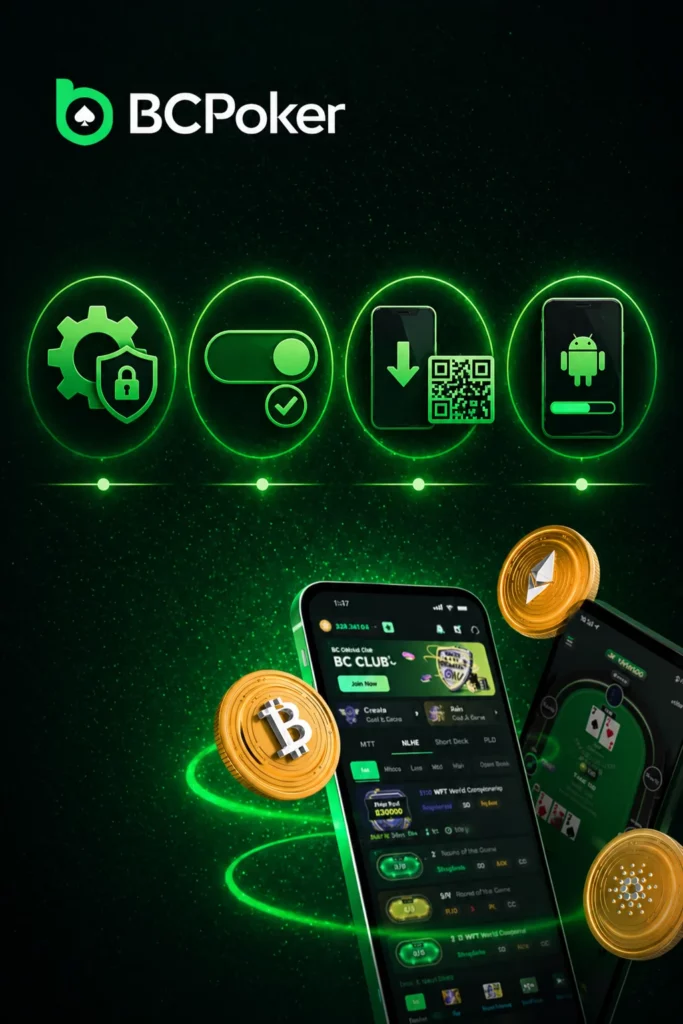
Android installation path for the BC Poker app
For Android users, the BC poker apk page offers two routes:
Standard path via Google Play:
- Open the Download page and select the Google Play option;
- Tap the Exclusive Link to open the app listing;
- Install and log in with registered account credentials.
Alternative bc poker download via Android APK:
- Open device Settings and go to Security;
- Enable Unknown Sources to allow installation outside the Play Store;
- Return to the BCPoker Download page and tap the APK Download button or scan the QR code;
- Open the downloaded file and complete the installation.
iPhone and iPad installation path for BC Poker
For iOS users, the Download page provides two access routes:
Standard path via App Store:
- Open the Download page and select the App Store option;
- Tap the Exclusive Link to open the app in the App Store;
- Install and log in with registered account credentials.
Alternative path via iOS Backup Version:
- On the Download page, select iOS Backup Version;
- Follow the iOS backup version installation steps provided;
- Complete setup and log in through the installed profile.
The backup version is available for Brazilian iPhone users who encounter regional App Store restrictions on the standard listing.
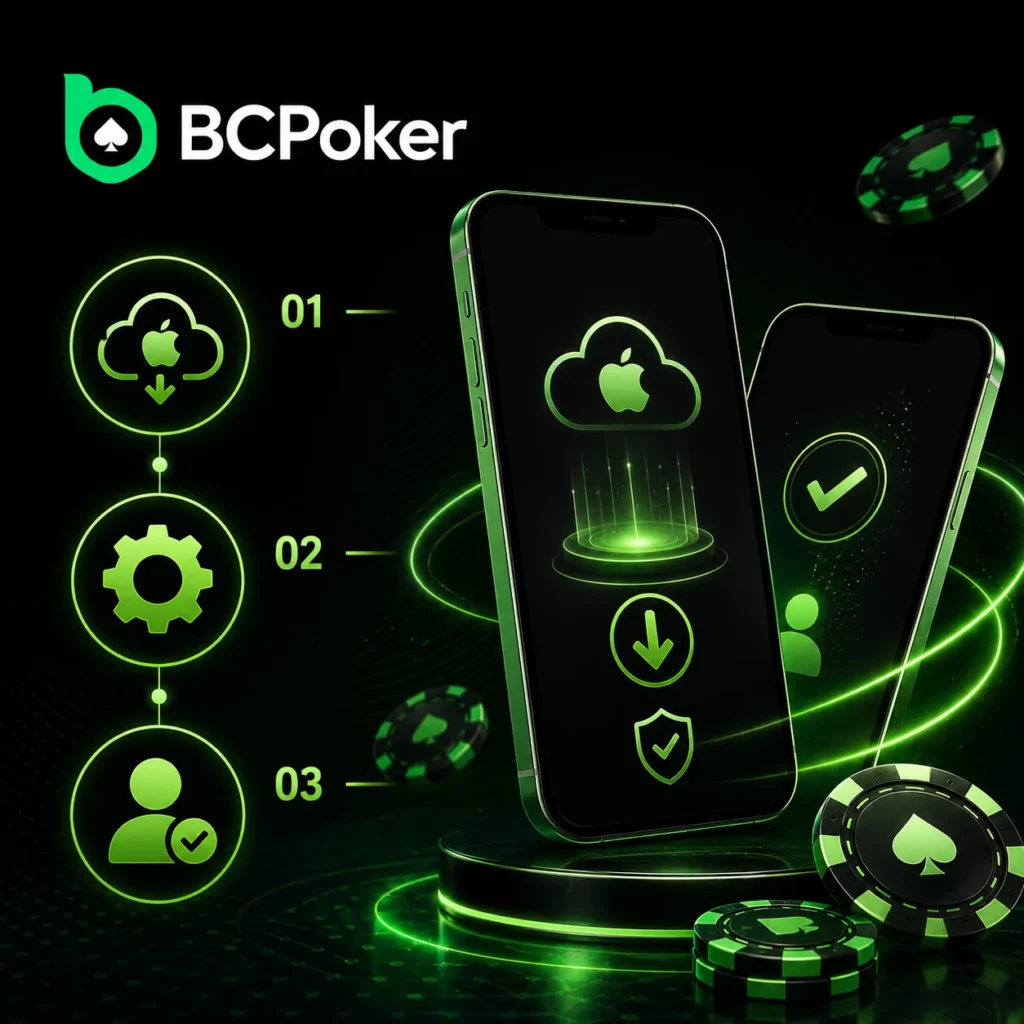
Mobile installation steps and QR code access in Brazil
QR code as a mobile download shortcut
The BCPoker Download page includes a bc poker app download QR code that Brazilian players can scan directly from a desktop screen. Scanning opens the mobile download flow on the phone, skipping the need to find the URL manually. The QR code covers both Android and iOS paths depending on the device used to scan.
Step-by-step install paths for mobile users
The Download page provides four separate install guides:
- iOS Users Installation Steps – App Store flow with Exclusive Link and login;
- Android Users Installation Steps – Google Play flow with Exclusive Link and login;
- iOS Backup Version Instructions – alternative install path for iPhone and iPad;
- bc poker app download Android APK Instructions – APK install via security settings and direct download or QR code.
Each guide is presented as a numbered sequence, so Brazilian players can follow the steps without switching between pages or looking for additional instructions.
What players get after installing the BC Poker app in Brazil
Gameplay and rewards promoted through the app
After installation, the BC Poker app gives Brazilian players direct access to the full BCPoker poker lobby. The app covers the same game formats and reward mechanics as the desktop version:
- Cash games in No Limit Hold’em, Pot Limit Omaha, and 6+ Short Deck at all stake levels;
- Multi-table tournaments with guaranteed prize pools;
- Daily freerolls with no entry fee, feeding into the weekly $500 Grand Showdown;
- Up to 60% rakeback through the VIP programme;
- First Deposit Bonus – 10% instant boost up to $200;
- BC Poker app registration bonus – $5 BCD free after KYC, available to mobile-registered users.
PIX is available as a deposit method within the app for Brazilian players, covering both deposits and withdrawals without needing to use the desktop version.
FAQ
Where can I download the BC Poker app in Brazil?
The BC Poker app is available from the official Download page at bcpoker.com. Options include Google Play, App Store, Android APK, and iOS Backup Version.
What download options are available on the official site?
Four options: App Store for iPhone and iPad, Google Play for Android, iOS Backup Version as an alternative for iOS, and Android APK as a direct install option outside the Play Store.
How do I download the BC Poker app on an iPhone?
Open the Download page, select the App Store option, tap the Exclusive Link, install, and log in. If the App Store listing is unavailable, use the iOS Backup Version path on the same Download page.
How do I download the BC Poker app on Android?
Open the Download page and choose Google Play for the standard install. For the APK route, enable Unknown Sources in device security settings, then download the APK file or scan the QR code on the Download page.
What does the BC Poker app give access to after installation?
Cash games in NLH, PLO, and 6+ Short Deck, multi-table tournaments, daily freerolls, rakeback up to 60%, and deposit options including PIX for Brazilian players.